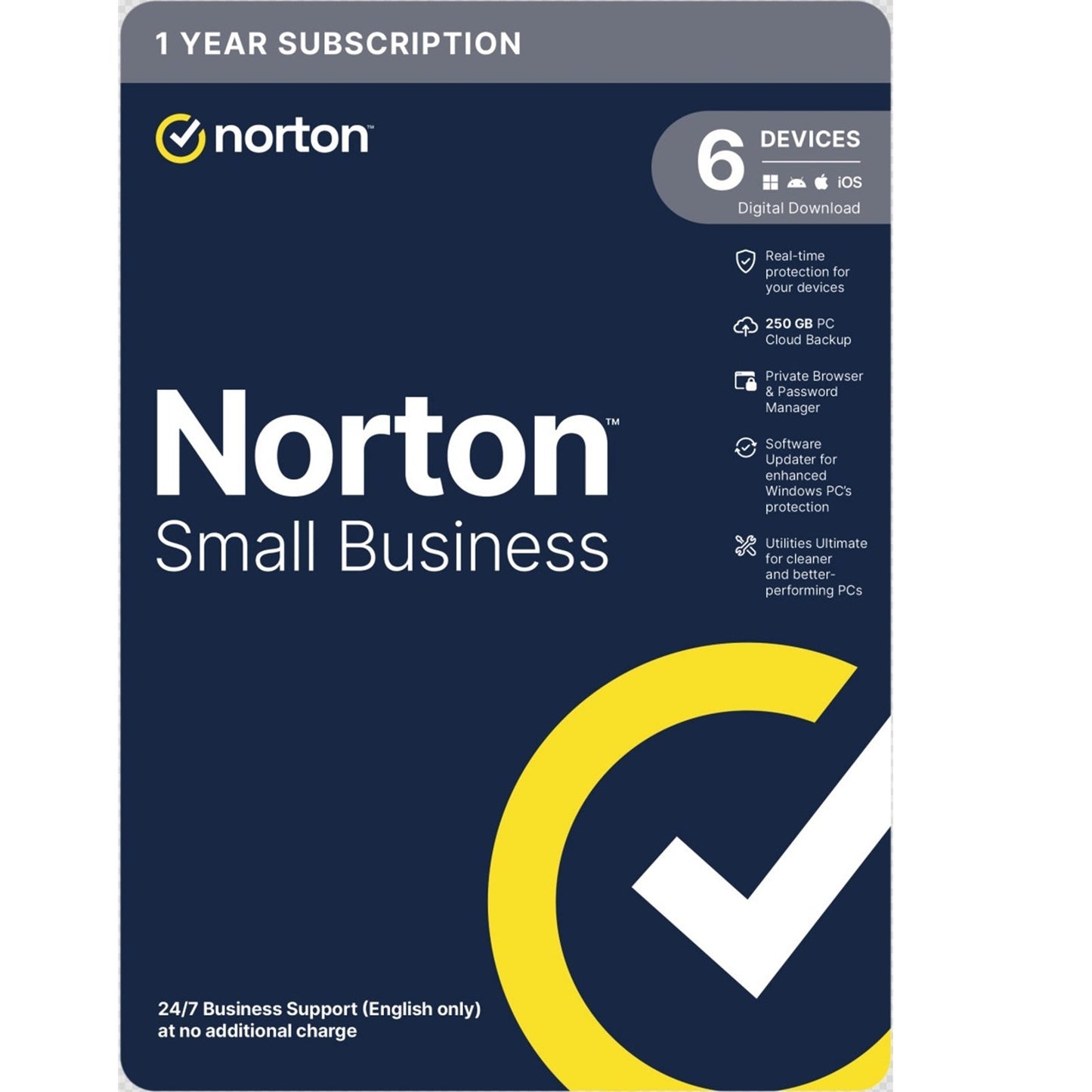
Norton Small Business – Protect Your Team and Revenue
Norton Partners – Revenue Share Reminder
To include a licence in your Revenue Share, make sure you add the Card ID (issued with your ESD) to your Norton Partner Portal account.
Protect Your Team Better Online
Let Norton Small Business help protect your business, wherever you are.
Stay safer online during day-to-day tasks and feel more confident knowing your employees’ devices and customer data are more secure.
Easy, Professional-Grade Protection
You don’t need an IT specialist or cybersecurity expertise to use Norton Small Business.
- Easy to install
- Runs in the background
- Works on Windows, Mac, Android, and iOS
Stay focused on your business while Norton helps take care of security.
Reduce Security Risks from Employee Online Activity
No company is too small to be a target of cybercriminals. Norton Small Business helps you:
- Secure your business with robust security
- Equip employees with tools that support remote work
- Extend protection to mobile devices
Keep PCs Healthier for Longer
Help your Windows PCs run at peak efficiency for longer with an automated cleaner and optimizer.
Help Disaster-Proof Business-Critical Data
Data loss due to hardware failure or ransomware can be devastating.
Best practice is to use antivirus and keep three separate backups of your data.
Norton Small Business allows you to:
- Maintain an additional backup in the Norton cloud
- Recover important files when needed
Key Features
Norton Genie – AI Scam Detector
Genie is an AI-powered scam detection tool that scans and reviews:
- Text messages
- Emails
- Websites
- Social posts
Get instant advice on whether a message or site is potentially a scam so you’ll know if it’s safe.
Device Security
Help protect your devices in real time, 24/7, from:
- Viruses
- Malware
- Spyware
- Ransomware
Use Firewall on your computers to help block unauthorized network traffic and help keep cybercriminals from sneaking in.
Cloud Backup
Help prevent the loss of your business data due to:
- Ransomware
- PC theft
- Hard drive failures
by storing copies of files and folders in shared cloud storage.
Private Browser
A web browser designed to help your team stay safer from cybercriminals and scammers during day-to-day online tasks — all in a familiar, easy-to-use design.
Keep Software Up to Date
Software Updater helps:
- Patch security vulnerabilities exploited by cybercriminals
- Keep your programs up to date
PC Utilities
Utilities Ultimate is designed to:
- Delete hidden junk and duplicate files
- Put unnecessary apps to sleep
- Uninstall leftover data
to help get your Windows PCs running smoothly again.
Dark Web Monitoring
Cybercriminals can use dark web sites and private forums to buy and sell personal information.
Dark Web Monitoring:
- Continuously searches the dark web and private forums
- Looks for personal information, including gamer tags
- Sends notifications if your information is found
Password Manager
Equip your team with personal, encrypted online vaults to help them:
- Create and maintain credentials and bank account details
- Store usernames, passwords, and credit card information more safely